Version 0.3

The last release is nearly 3 months old - time for a new one!
The tech demo is available at eden-test.rpgframework.de 4000 .
All previously existing characters have been deleted - your old account though should still exist.
Channel infrastructure
So far we had a very basic messaging system in place to send special messages to players. It was good enough for some tests, but required some abstraction to be more versatile. This is why we introduced the concept of messages channels, along with a plugin that provides some default channels, like "gossip" for OOC communication.
New user interface controller
One of the main design goals of this engine is that you can access the MUD with any kind of client and it tries to adapt its behavior to the client capabilities. We had a system with different output plugins (like TerminalUI, Simple with ANSI map, webviews) but it proved to be to rigid. The current release overhauled in a way that it identified certain features (like updating a map, writing a channel message, updating a list of entities in the room) and had different implementations for that, that could be mixed and matched.
For example in a plain non-VT100 aware client, the channel messages would be writing to the scrolling main view of the client (using a WriteToMainView plugin). If the client indicates support for the GMCP comm package, the assumption is that the client has a dedicated area where such messages would appear - in which case the server would send GMCP comm.channel messages instead of sending it to the main view. This would be achieved by simply switching to a different output module.
The new architecture adds to ...
Better client support
The new release aims to provide better out-of-the-box experience with MUD clients. When you consider the setup of having just one large scrolling text window the classic experience, the GraphicUI engine provides 3 different user interfaces depending on client capability.
1. Full MXP frames
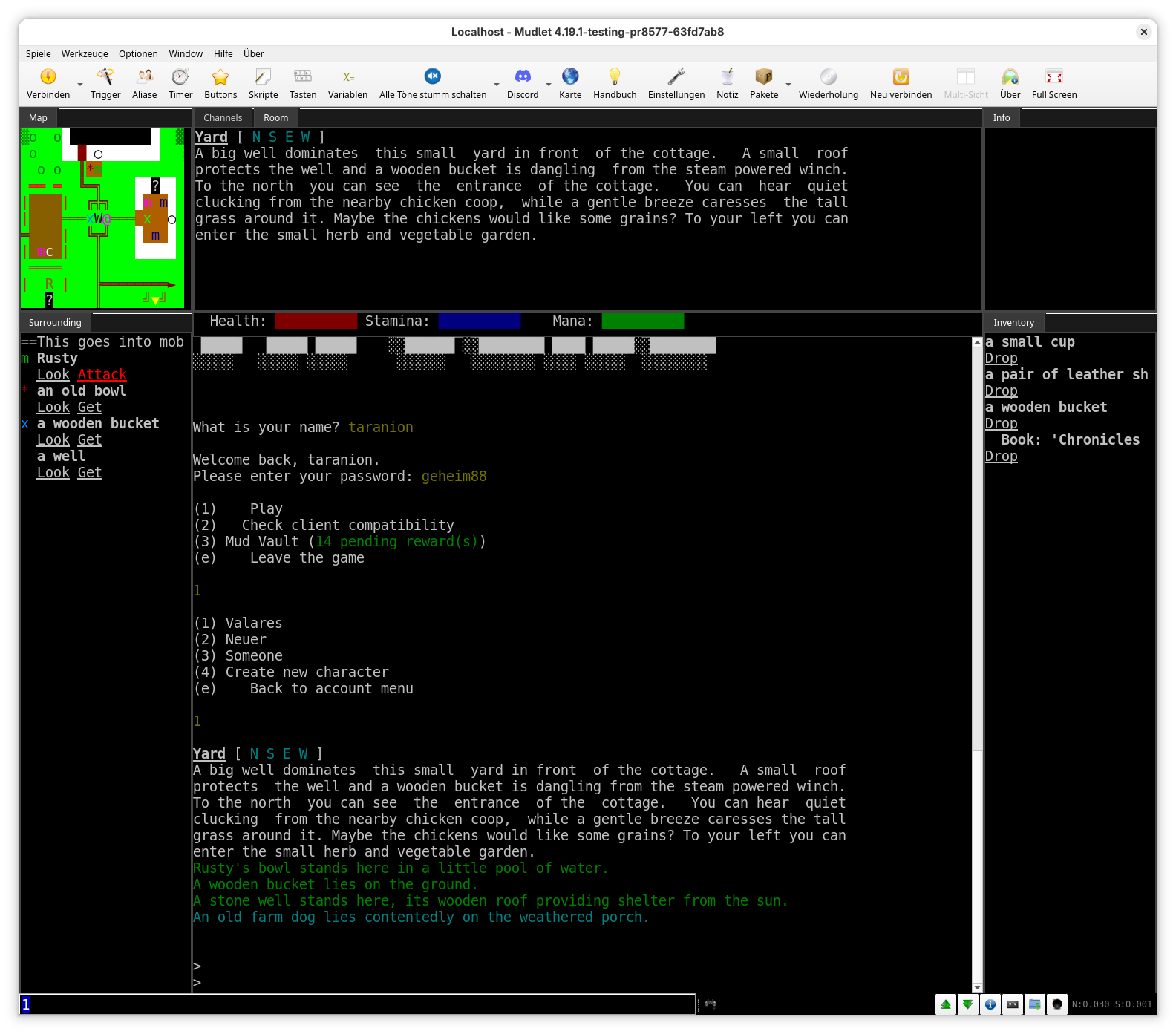
The MXP protocol allows splitting the terminal screen into smaller areas (frames), which can be addressed separately. If the engine detects that this feature is supported AND the screen being wide enough, it splits off either one or two columns to show status information.
An example for such a client is a modified Mudlet version (Pull Request #8577 ), which MXP frame support that hopefully gets merged into the main branch.
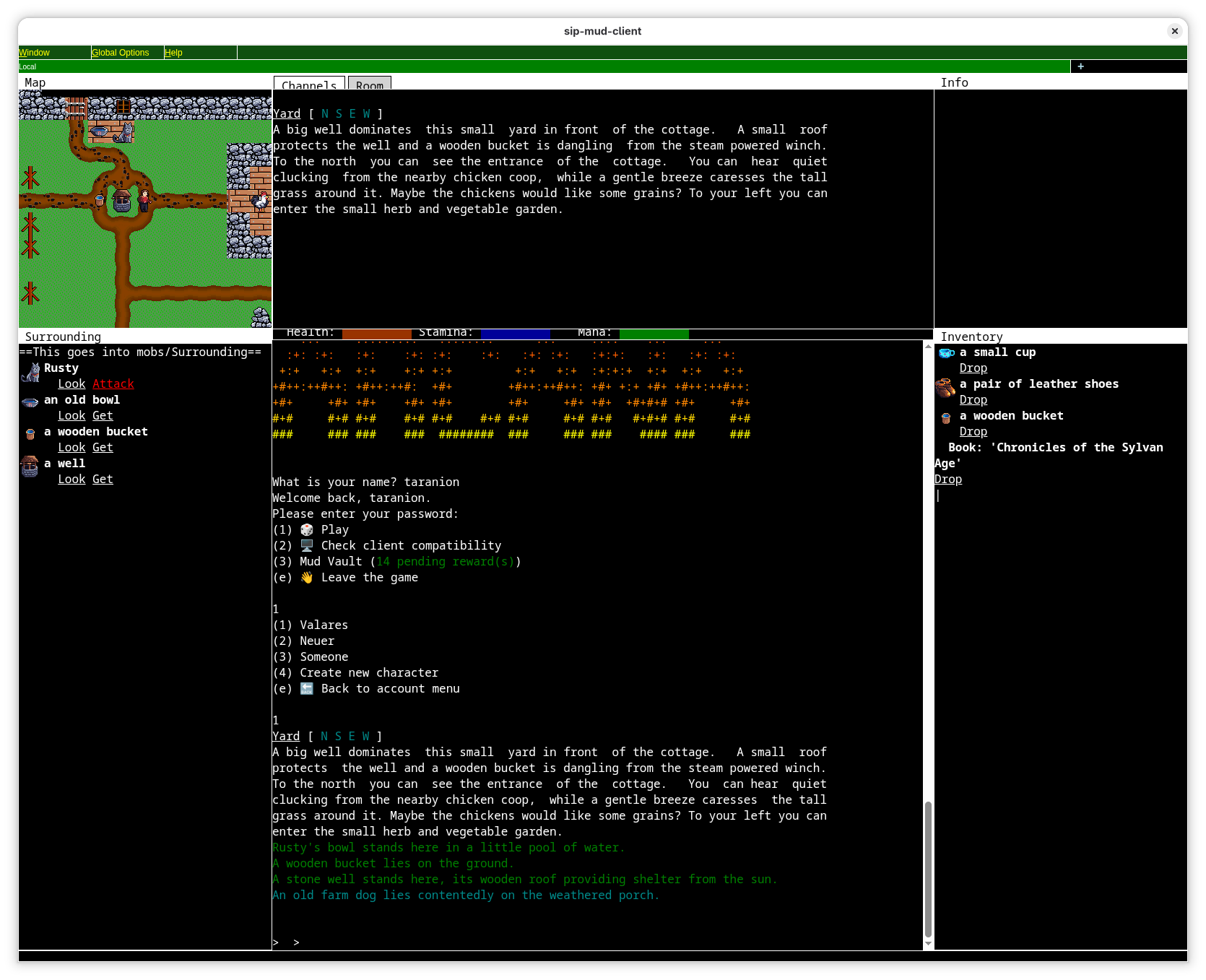
If even MXP images are supported by the client, this might as well look like this out of the box (Image: Sip MUD client). The image will be pre-rendered on the server.
2. Webviews
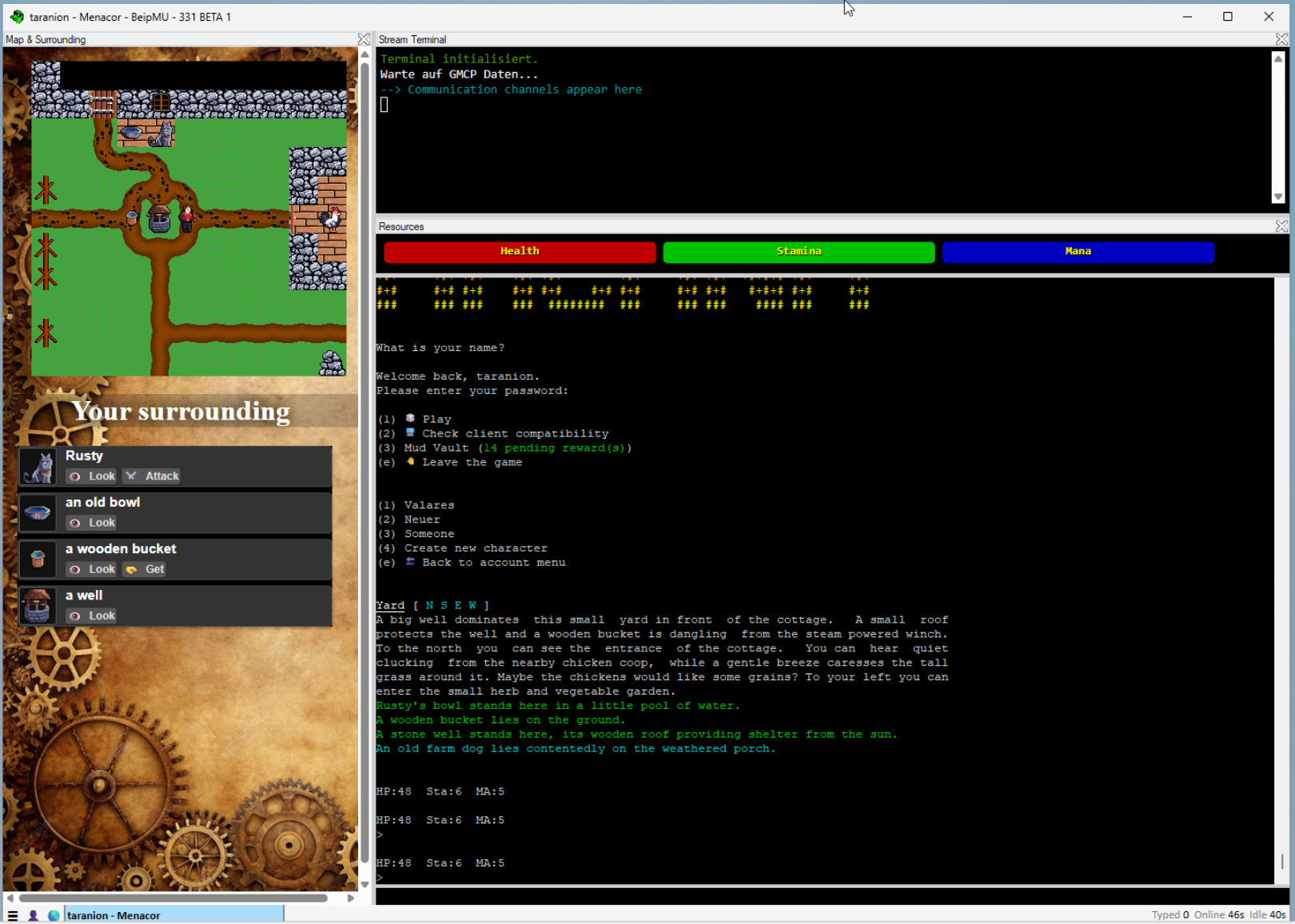
A GMCP package invented by Bennet, developer of the BeipMu client, allows the server to indicate that the client should open an arbitary HTML page in a webview. The Graphic MUD engine supports this package and provides a default webview page that shows the map, the room description, the entities in the room and the inventory of the player.
The strength of this approach is that it works with any client that supports GMCP and webviews, like e.g. Mudlet, Sip or BeipMu. The openend webpage has a Javascript object, to subscribe, receive and send GMCP messages on. This allows server developers to tailor the content of the web pages and send arbitary GMCP messages back and forth with the openend web page.
The problem of this approach is that opening a webview may cause issues out of the control of the client developer (like not correctly working scripts or security issues).
Image: Sip MUD client
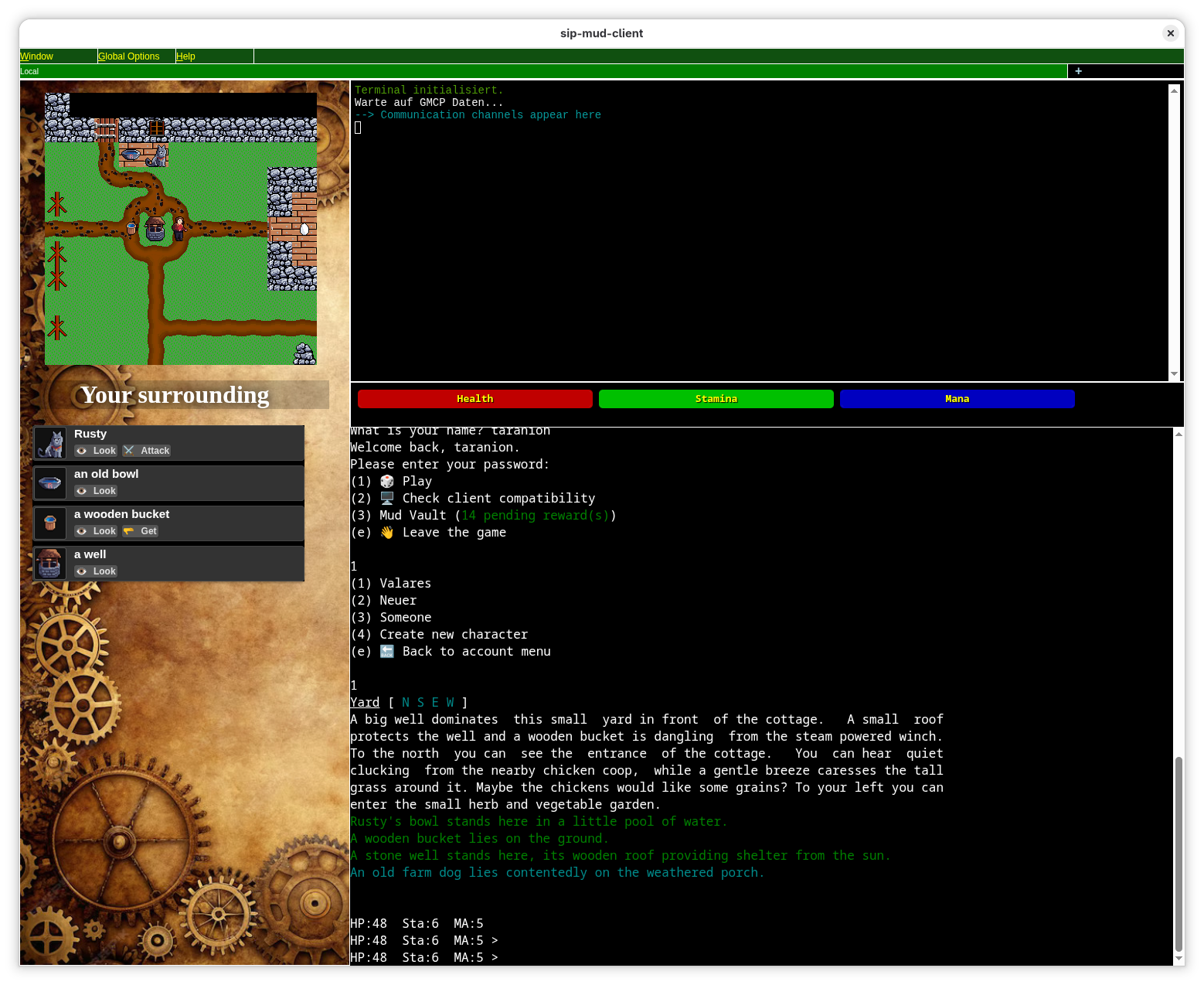
Image: BeipMu MUD client
3. Terminal User Interface
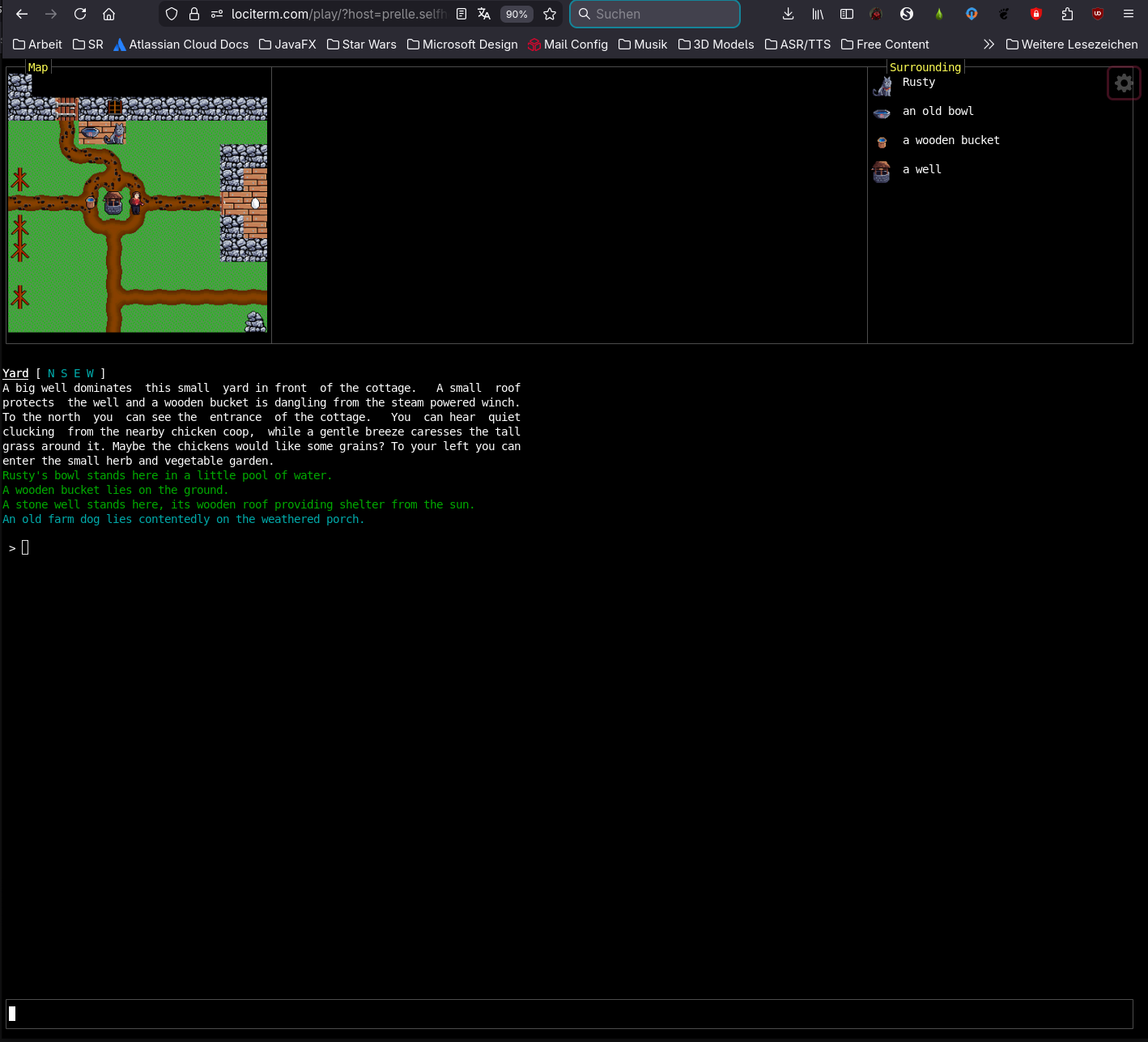
This is the fallback user interface for clients that fully support VT100/ANSI codes in both directions, but neither MXP frames nor webviews. In this mode the server will draw lines in the terminal and have a scrolling area surrounding by fixed areas that get updated on demand. The UI may vary a bit depending on the detected terminal capabilities, especially if inline image protocols are supported and if setting a left or right scrolling margin is supported.
Image: Telnet in Gnome Terminal
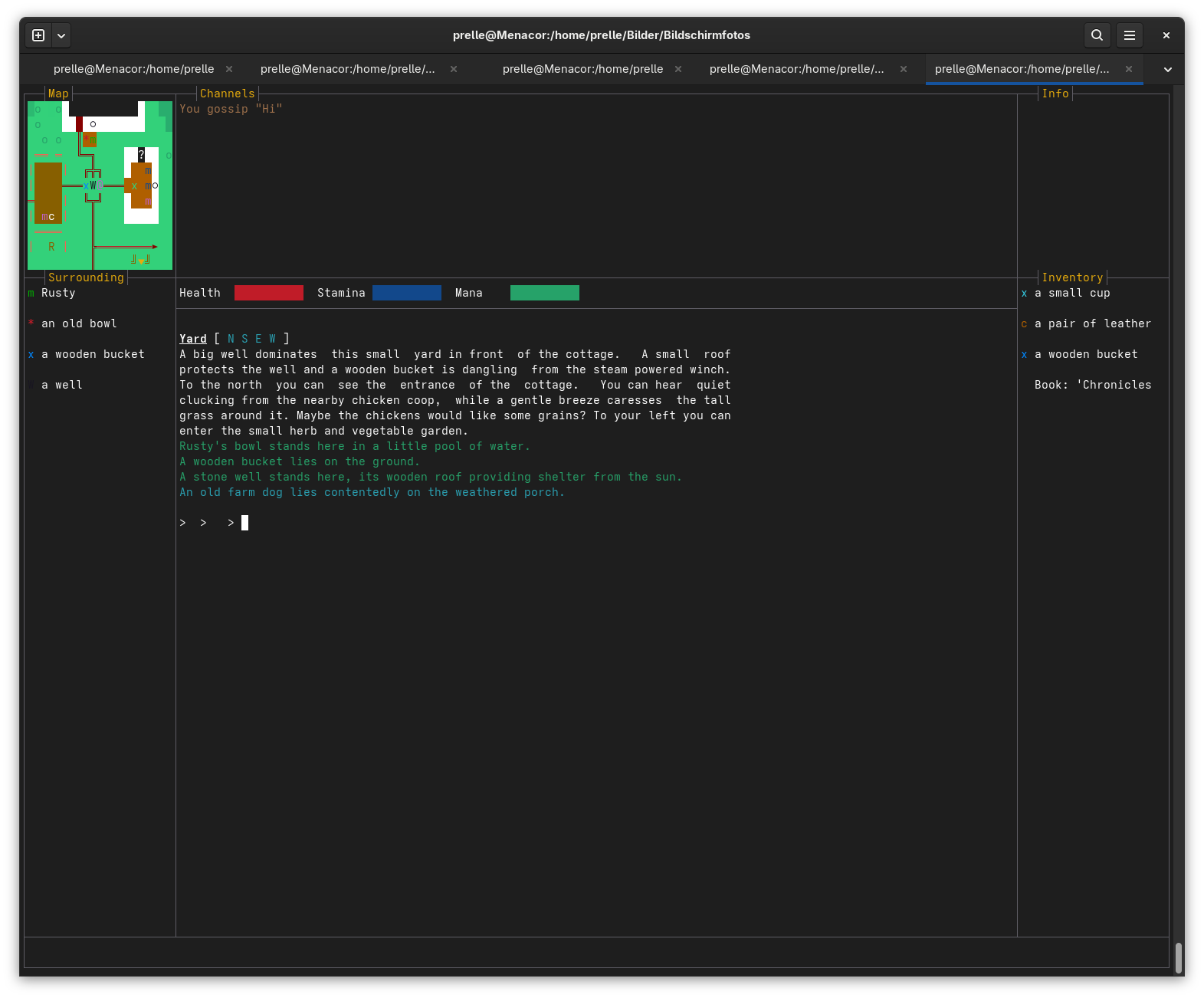
Image: Telnet in Kitty
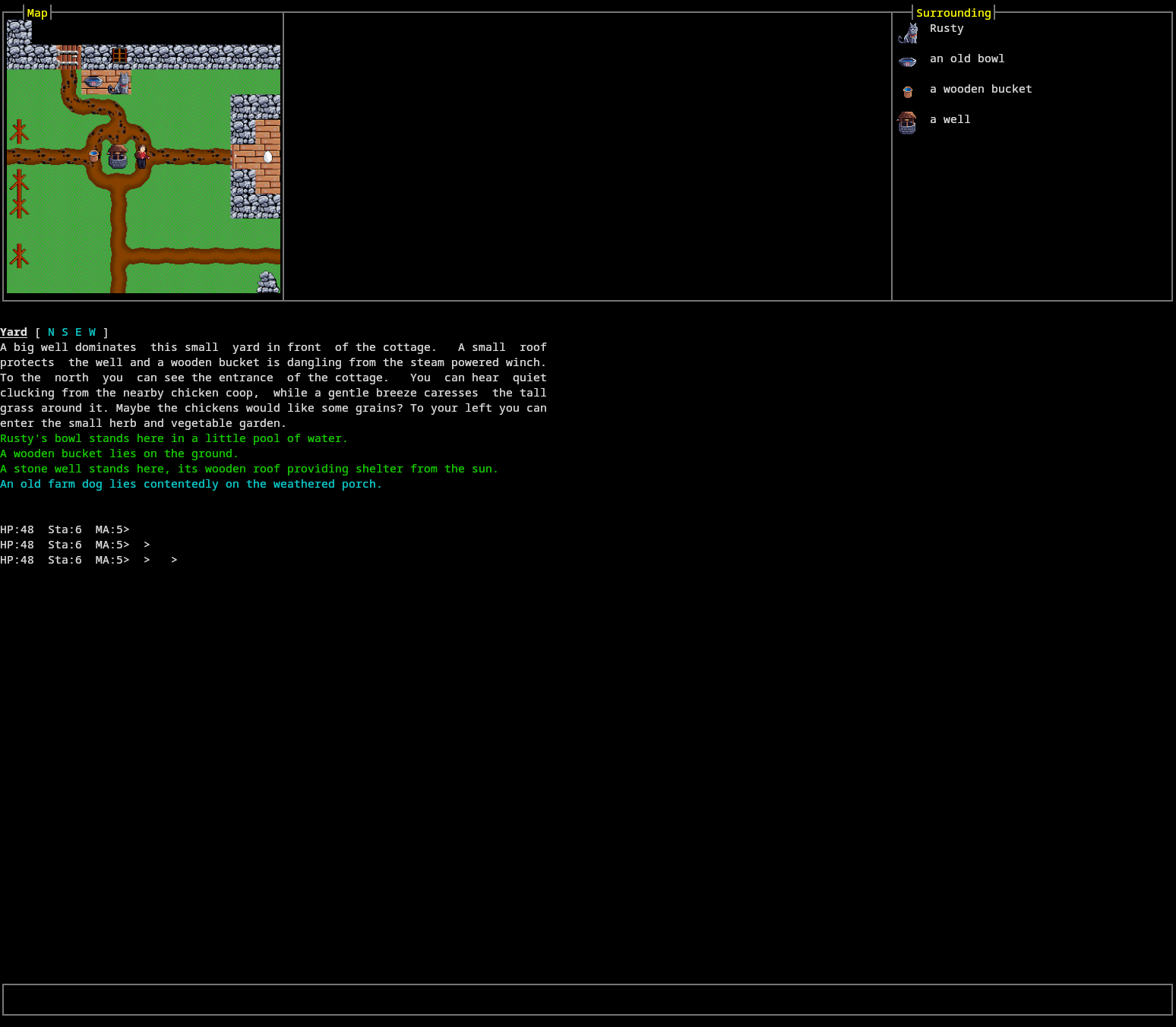
Image: Telnet in WezTerm
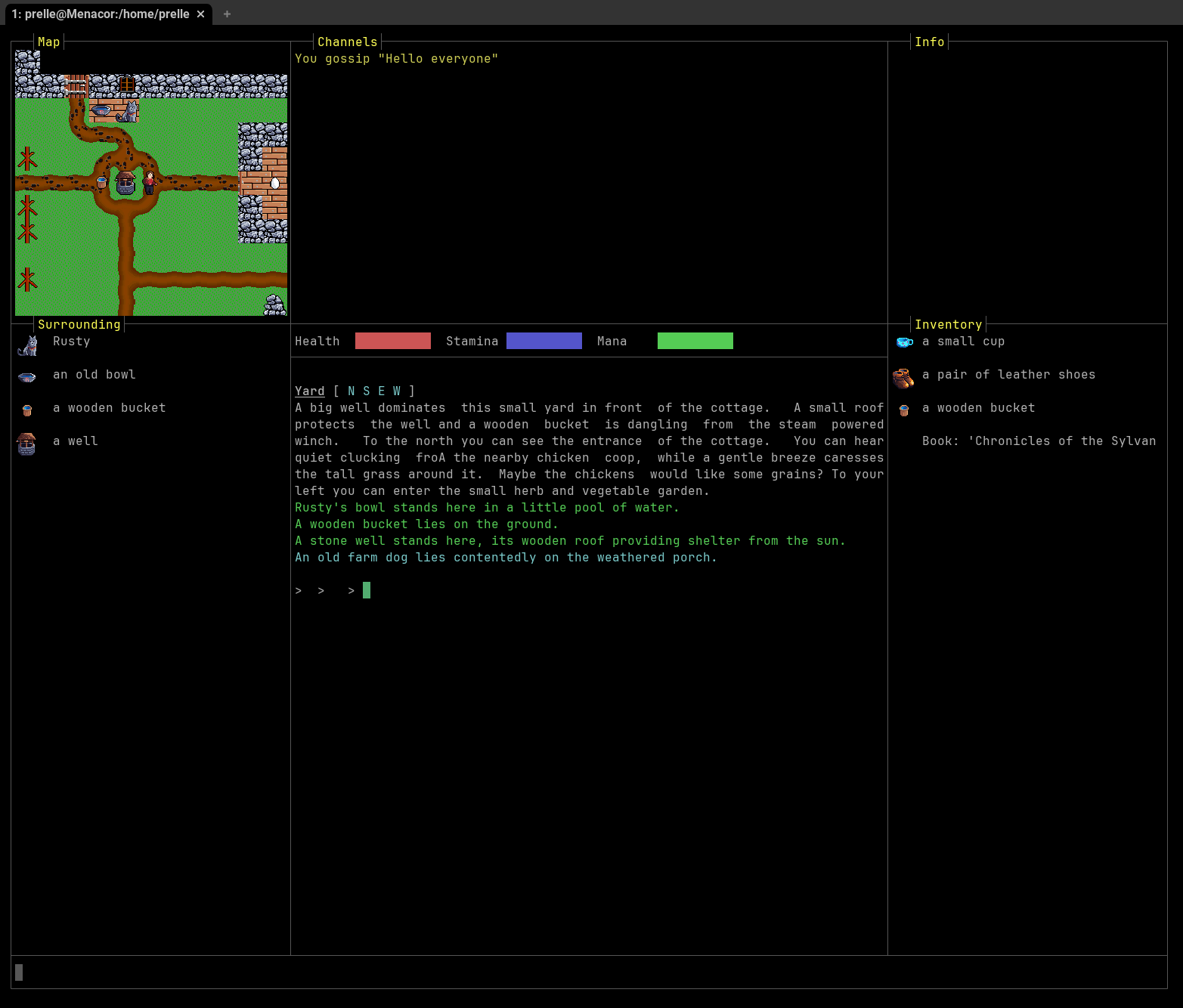
Image: Lociterm
4. Mixed
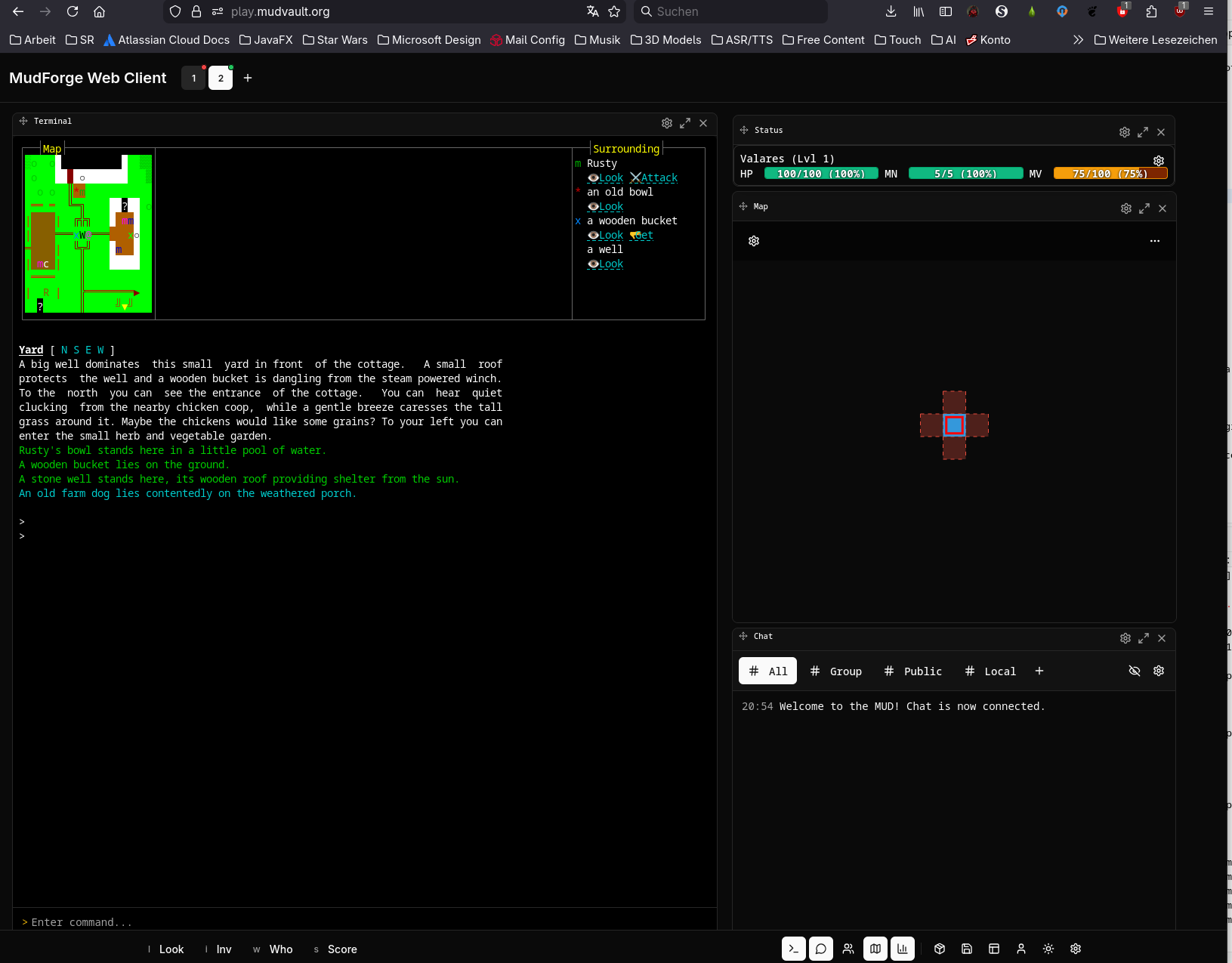
It may be possible that some clients do support specific GMCP packages in addition to being a VT100 aware terminal. In this case the server will try to mix and match the best possible user interface by combining the Terminal UI with webviews for specific parts. For exampe while the map is still rendered in the TUI, the vitals are rendered by a widget in the client.
Image: MUDForge
Plugin Changes
Rewards
Rewards can be two things: Something you earn doing ingame tasks (e.g. after completing a quest) or something you earn for outgame actions. An example for the latter is "Voting for the MUD on 'MUDVault'". The reward plugin provides the foundation for such functionality, but requires either the game or specific plugins to implement specific functionality - e.g. with the next plugin
MUDVault Rewards
The "MUDVault" MUD listing site not only provides a way that registered users of the site can vote for a MUD (once per day, MUDs can collect votes for a month), it also offers an API that a user can connect his/her MUD account to the MUDVault account and receive some kind of ingame reward for voting.
This plugin will implement that API fully in the future. Right now only connecting an account to MUDVault and fetching the list of unclaimed "Reward points" is supported. How exactly reward points can be spent, is yet up for definition.
Doors can be hidden
For the test game, it was necessary to have abstract hidden "doors", like a passway that opens when a certain condition matched. This did not only need to influence room exists, but also the map tiles.
Combat plugin creates event on corpse creation
The combat plugin now fires an event when a mob is defeated and a corpse is created. This allows the rule layer to decide what to do, e.g. making the corpse "farmable" (like gutting it with a knife).
LLM: Add option to use LLM for NPCs
The LLM plugin provides a component (for the ECS) to let the NPCs have chat dialogs with the player. In the config file, a NPC is given a system message to tell the LLM how to act.
<entity id="mentor" type="MOBILE" name="an old man" symbol="mobs:20" image="mentor.jpg">
        <description>
            <room>Uncle Aldous is watching you with a warm smile.</room>
            <examine>A man in his late 60s wears a clean suit and trimmed white beard and
            has the well-groomed appearance of a scholar. For at least 15 years, he has
            been like a father to you, even though he told you that he only took you in
            as a foundling in a temple.</examine>
        </description>
        <keywords>aldous,uncle,old,man,mentor</keywords>
        <dialogue file="dialogue_mentor.xml"/>
        <llmnpc>
            <sysmsg>You are the mentor and father figure for the person talking to you. You mean well, but you are troubled by things to come and don't want to put the burden on others.</sysmsg>
        </llmnpc>
    </entity>
Or
<llmnpc>
    <sysmsg>You are an old lady that sells vegetables and fruits. You just visit a remote cottage in the woods, where a friend of you lives with his boy, he adopted 10 years ago. The boy is a young man now and you are fond of him.</sysmsg>
</llmnpc>
When in dialog mode, the player usually gets presented a list of options to do, each assigned a number to enter. If the user fails to enter one of the preregistered numbers, the input is considered a message directed to the LLM and the chat response is fed into a "say" command from the NPC.
To make things a bit more versatile, a proof-of-concept MCP interface has been written that allows the LLM to act or obtain information. For the moment, this is limited to looking up the inventory of the NPC.
The plugin is configurable with type of LLM service and credentials.
Farmable plugin now supports farming animal corpses
After killing an animal the corpse is often looted for crafting ingredients. Instead of putting all ingredients in the corpse inventory, we decided to make a corpse farmable, meaning it requires a skill and a tool to gut the animal into usable parts. The newly introduced CreatureCorpseComponent can take a list of possible items to farm and how many attempts can be made, but for the lazy builder also just reference to a loot table.
<creaturecorpse lootTable="small_animal" />

<creaturecorpse maxoutput="2" tool="1/1/gutting_knife">
    <output item="1/1/small_pelt" chance="20"/>
	<output item="1/1/meat" chance="10"/>
	<output item="1/1/claws" chance="5"/>
</creaturecorpse>
Steam Arcana changes
Not so much happened this time.
- Added new icons
- Created a lore piece and put it into a book.
- One room has become a "secret" and is hidden behind a riddle.
Fast way to get mob stat blocks
Writing a stat block for a mob often is tedious work, that would be nice if it could be omitted unless it is an important mob. We solved this by having a shortcut that generates stat blocks based on a predefined list of tags that describe size, threat-level, intelligence, sturdyness ...
<rpg type="LIFEFORM" ref="TRIVIAL DIMINUTIVE INSTINCTIVE FRAIL PELTED ANIMAL"/>
First steps into a spellcasting add-on
Comparable to the shortcut to mob stats, we do have a building system for spells. To test this, commands to list learned spells and cast a spell have been added, but it is not intended to be used yet.